
Your papers, remembered.
Pocket Archive reads, organizes, and retrieves the documents life keeps asking for—from receipts and warranties to tax records.
Sourced from 2 original documents.
From document to something useful.
Files enter once. Search, collections, answers, reminders, and financial views stay connected to the original record.
What enters
- Photos and scans
- PDFs and statements
- Receipts and invoices
- 01Searchable text
Text recognition makes the contents retrievable.
- 02Structured details
Dates, vendors, totals, and supported fields remain reviewable.
- 03Original preserved
Every derived result keeps the source within reach.
What becomes possible
Answers that show their work.
Search by what you remember or ask a direct question. Pocket Archive keeps the response connected to the pages that support it.
See source-backed retrievalCoverage begins on the purchase date shown on the original receipt.
Cited passageThis limited warranty remains in effect for twelve months from the purchase date.
Proof of purchase may be required before service is arranged.
Documents become useful together.
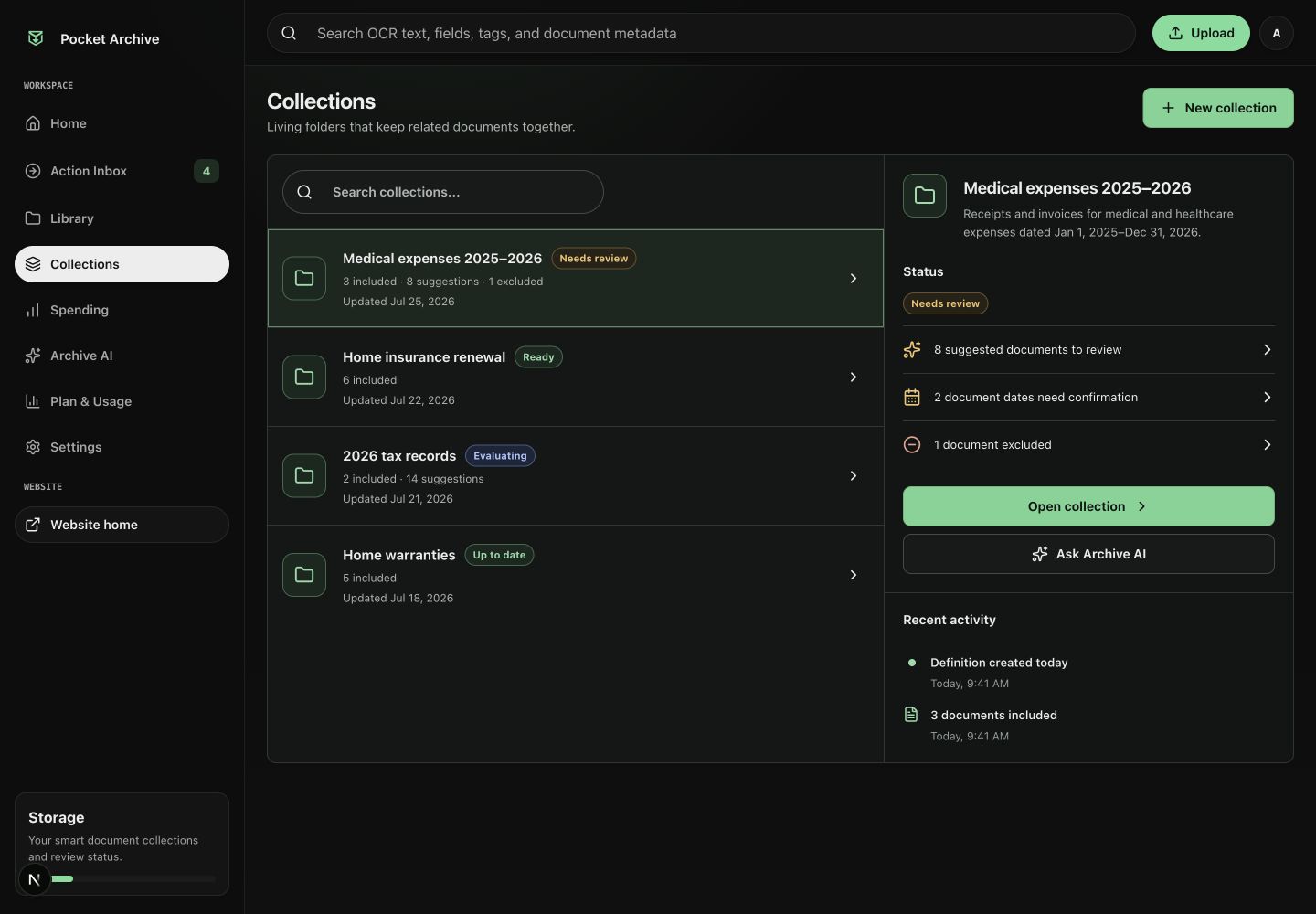
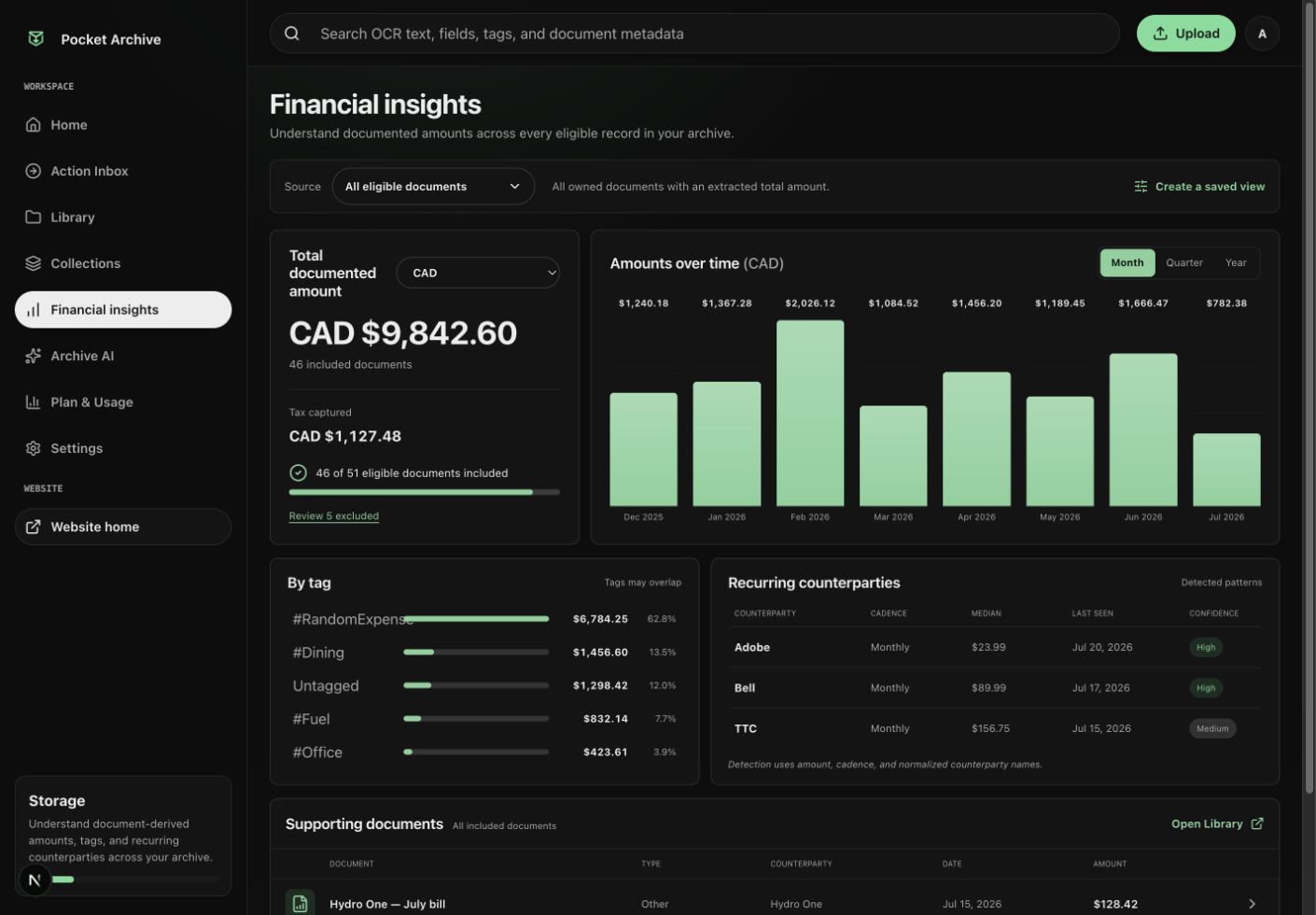
Collections keep related records reviewable. Spending views summarize eligible receipts and invoices without disconnecting the totals from their sources.
The archive notices what needs attention.
Concrete dates and obligations can move into one reviewable inbox, so the next task does not disappear inside a PDF.
Your archive fits in your pocket.
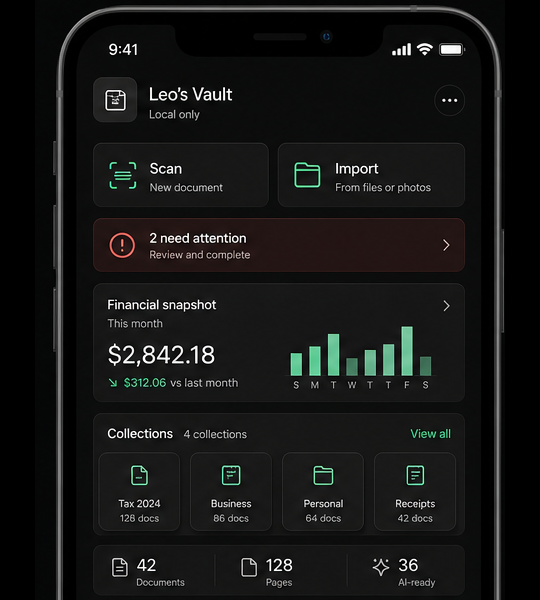
Use iPhone to scan receipts, letters, and household documents the moment they arrive. Everything is ready to search, ask, and review on the web.
Coming soon for iPhone — the app is not publicly available yet. Use Pocket Archive on the web today.
One private archive. Web and iPhone stay in sync.
Private documents deserve a private home.
Pocket Archive is designed around records that should remain controlled, checkable, and recoverable.
Read the privacy policyStart with the documents already waiting.
Create an account and choose Free to try text recognition, Archive AI, tags, and search before upgrading.
No paid subscription is required to begin. Upgrade later when your archive needs higher monthly limits.
- forever$0
- text recognition pages / month20
- Archive AI questions / month30
- total storage200 MB